
Hospital Queue & Triage Solution

Solution Overview

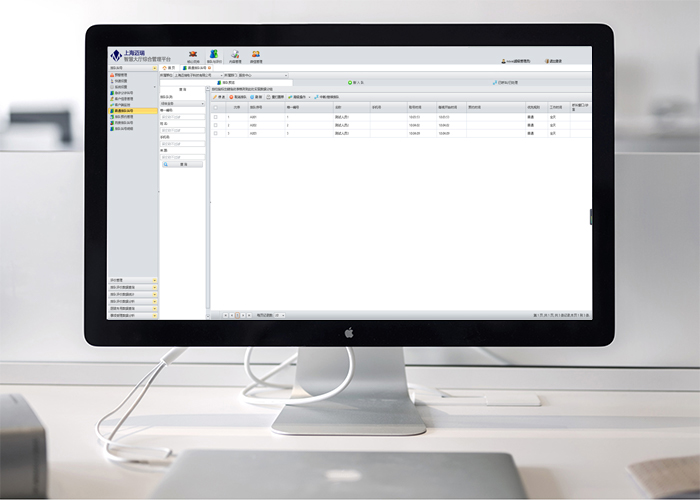
The system was developed in recent years to eliminate the drawbacks of chaos and disorder in hospital outpatient management. The system mainly consists of the [Multimedia Information Publishing Module] and the [Hospital Queuing and Triage Module]. Through the deep integration of these two subsystems, it enables queuing, triage, and calling services for relevant departments such as outpatient clinics, pharmacies, medical technology, and physical examination centers. Furthermore, it facilitates the publishing of information including outpatient guidance, doctor scheduling, floor guides, department guides, and fee item disclosures.

Outpatient / Medical Technology Department Queueing and Calling

This functional module is specifically developed for outpatient or medical technology departments, and is a core component of the entire solution.

Pharmacy Queueing and Calling

The outpatient pharmacy queueing and calling module has a different queueing workflow and involves different hardware compared to other departments.

Health Checkup Queueing and Calling

The queueing and calling system for the health checkup center is a highly complex part of the entire solution, designed to complete all examination items within a short time.

Information Publishing and Guidance

Provides information publishing functions including outpatient guidance, doctor scheduling, floor guidance, department guidance, and fee item disclosure.

General Outpatient / Medical Technology Department Queueing and Calling

Applicable to outpatient departments such as Pediatrics, Surgery, Internal Medicine, and ENT, as well as medical technology departments such as Radiology, Clinical Laboratory, and CT Room.

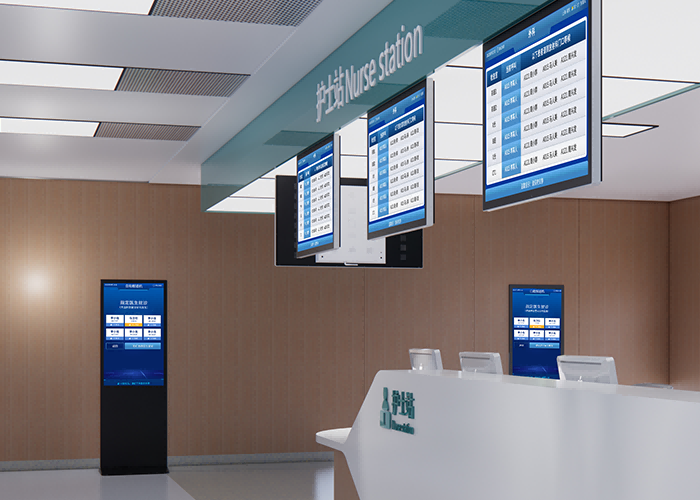
Outpatient Triage Desk (Nurse Station)

Based on the actual situation on site, nurses or staff can use the triage desk management module to handle special cases such as return visits, patients requesting a specific doctor, and priority services (for example, elderly patients or those with senior cards requiring priority care, as well as pre-booked patients). This allows doctors to reduce waiting time during the patient calling process and improve work efficiency.

  • Provides processing for return visits, skipped numbers, etc.
  • Provides priority queuing services such as priority arrangements.
  • Provides an appointment function, allowing patients to make advance bookings.
  • Supports unified management for all subordinate consultation rooms.

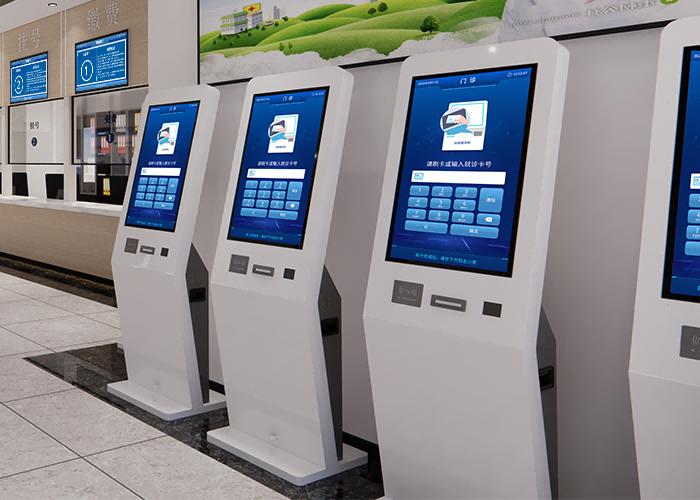
Self-Service Queue Number and Check-in Terminal

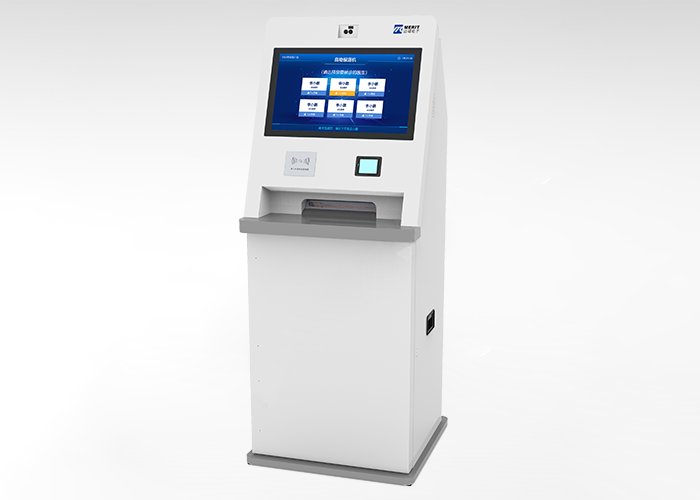
It is recommended to deploy the device near the service desk in the outpatient hall to provide appointment queuing and check-in functions for all patients. When installed in the department waiting areas, it is recommended to enable all functions. The check-in terminal consists of touch hardware and queuing/check-in software. Touch screens are available in 17, 22, and 32 inches; please select the appropriate size based on actual conditions. The equipment consists of an industrial-grade host and a high-strength explosion-proof touch screen, featuring a scheduled automatic power on/off function. A thermal printer and a magnetic stripe card reader can be equipped upon request.

  • Supports verification via QR code scanning, facial recognition, 2nd-generation ID cards, medical and social security cards, etc.
  • Supports appointment check-in and queue number generation, providing a paperless number issuance function.
  • Provides queue progress inquiry.
  • Provides APIs for secondary development, allowing functions to be integrated into other self-service terminals.

Integrated Display Terminal

Installed opposite the waiting area, it displays the department's queue waiting list, consultation room status, and basic information of the current patient, as well as patient preparation reminders or multimedia educational information.

  • Supports carousel and scrolling displays for the waiting list.
  • Provides full-screen alerts upon calling.
  • Compatible with LCD all-in-one displays, full-color LED screens, and TVs.
  • Displays lists of skipped numbers and patients pending check-in.
  • Supports name masking for privacy (e.g., A001 - Zhang** - Room 1).
  • Supports customizable display interfaces.

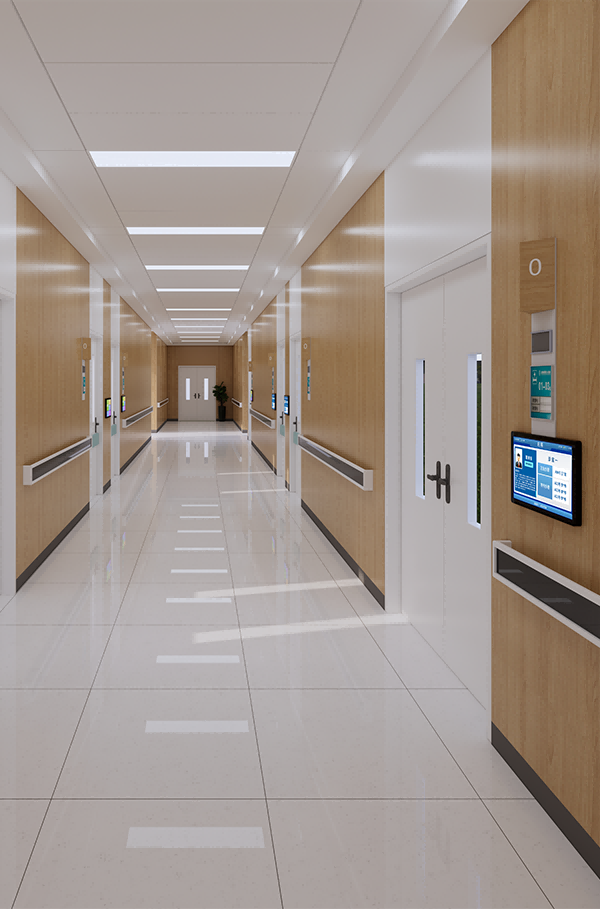
Secondary Consultation Room Display Terminal

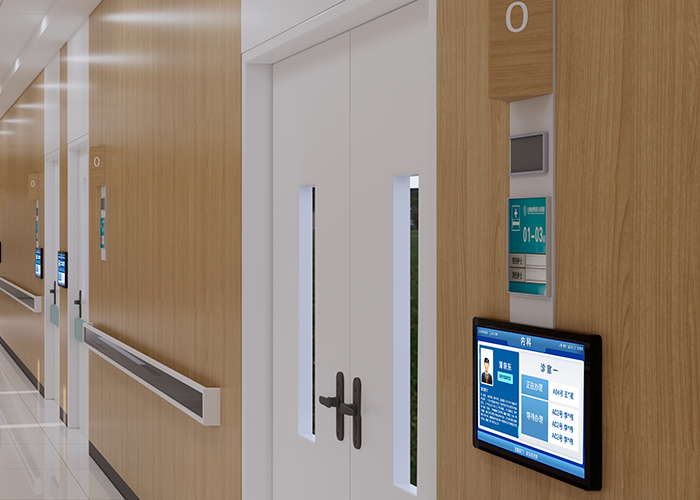
The device is typically wall-mounted outside each consultation room and connects to the hospital LAN via an RJ45 port. Available in 14", 19", 22", 27", and 32" sizes; please select based on actual requirements. Its primary functions include displaying calling prompts and broadcasting voice announcements during system operation (voice can be muted). It displays doctor information (e.g., photo, name, title, profile), the current waiting list, and current patient information (supports name masking for privacy, e.g., "John Smith" displayed as "John S.").

  • Displays doctor profiles, including photo, name, title, and areas of expertise.
  • Supports queue check-in via peripheral devices.
  • Displays the current called patient and the waiting list.
  • Supports name masking for privacy (e.g., A001 - Zhang** - Room 1).
  • Supports customizable display interfaces.

Doctor Workstation Call Client

Designed as a Windows desktop application, it is typically installed on workstation PCs in consultation or examination rooms. It offers the same functionality as wired or wireless hardware callers. The system supports mixed networking of software-based, wired, and wireless callers. Installed on the doctor's workstation PC, the software caller features global hotkeys, allowing staff to trigger calls without bringing up the software interface.

  • Supports doctor login and logout.
  • Features auto-hide when snapped to screen edges.
  • Allows viewing details of currently called and waiting patients.
  • Provides APIs for secondary development to integrate with HIS workstation software.

Pharmacy Queueing and Calling

Designed specifically for outpatient pharmacies, it streamlines medication pickup through seamless HIS integration, ensuring efficient queueing and calling.

Pharmacy Queueing Terminal

Installed near the pharmacy pickup counters, the terminal provides queue number issuance for patients picking up medications. The ticketing and check-in terminal comprises touch hardware and queueing/check-in software. Touch screens are available in 17", 22", and 32" sizes; please select the appropriate size based on actual requirements.

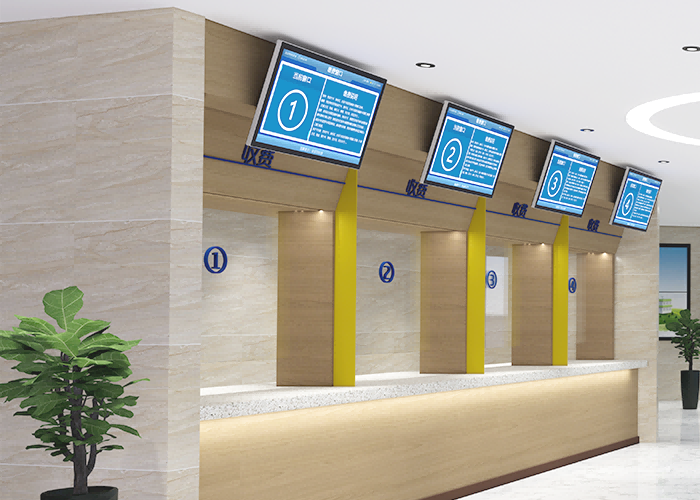
Counter Display Terminal

Installed above the pharmacy dispensing counters, the counter display terminal shows the queue waiting list for the pharmacy or the specific counter, the current dispensing status, basic information of the patient currently being served, patient preparation reminders, or multimedia educational information. All information is consolidated and displayed via carousel or animated presentations[...]

HIS接口

The HIS interface software extracts patient prescription data in real-time from the HIS and other systems for those requiring queueing and calling, and feeds it into the system. It is installed on the queueing and triage server or the pharmacy self-service ticketing and check-in terminal. By flagging patients whose medications have been prepared or dispensed [...]

Health Checkup Queueing and Calling

By integrating with the Health Checkup Information System, the system automatically and flexibly dispatches clients to different examination rooms based on the waiting times of various items. This is achieved by optimizing queue dispatching and accommodating practical scenarios such as multiple queuing instances and designated room queues for specific departments during the checkup process. As a result, clients spend minimal time at the checkup center to complete all health screening items, thereby improving operational efficiency and service quality.

Health Checkup Service Desk

Examination item arrangements are handled at the health checkup service desk, which initiates the queuing process for the client in the system. If the system includes queue notification wristbands, the distribution of these wristbands should also be managed at the desk.

Integrated Display Terminal

Installed opposite the waiting area, it displays the department's queue waiting list, examination room status, and a list of clients currently being examined, along with client preparation reminders and multimedia educational information.

Secondary Examination Room Display Terminal

The device is typically wall-mounted outside each examination room. During system operation, it displays calling prompts and broadcasts voice announcements (voice can be muted), while also showing the current waiting list and information of the client currently being examined.
Queue Notification Wristband

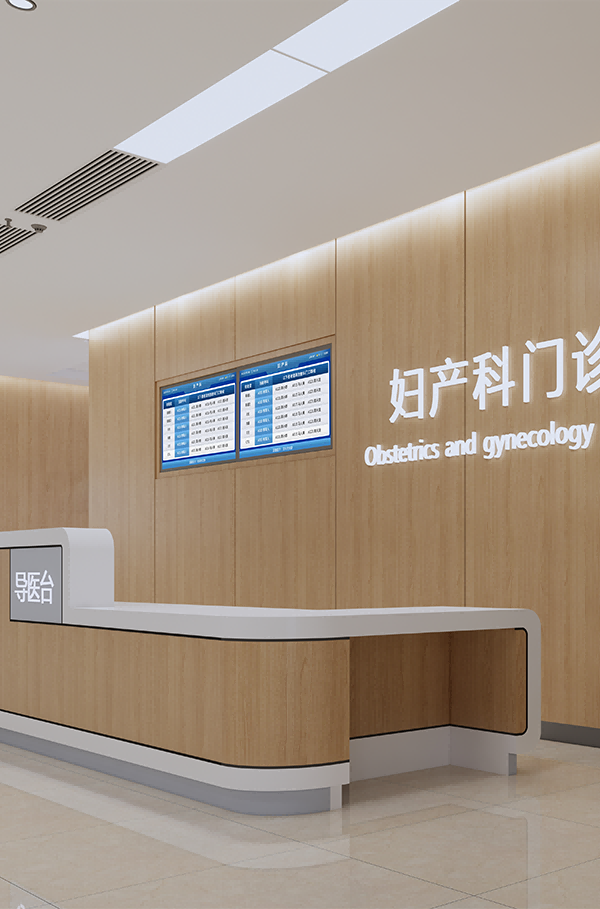
The wristbands connect to the system via Bluetooth. In a health checkup environment, Bluetooth receivers must be installed to enable communication with the wristbands. When queuing, the wristband will notify the client to proceed to the designated examination room.

Information Publishing and Guidance

Built upon the Information Publishing Module, this suite of features is specifically tailored for hospital environments. The supported functions are as follows:

3D Indoor Wayfinding

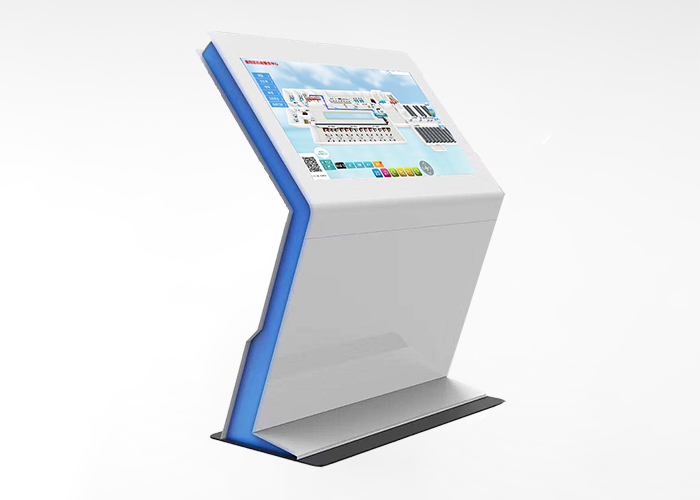
Uses self-service touch inquiry terminals as front-end devices. By displaying full-screen 3D maps of different floors in the hall on these terminals, it allows users to zoom, pan, and rotate views via touch interaction, providing intelligent automated wayfinding services for the public.

Doctor Schedule Display

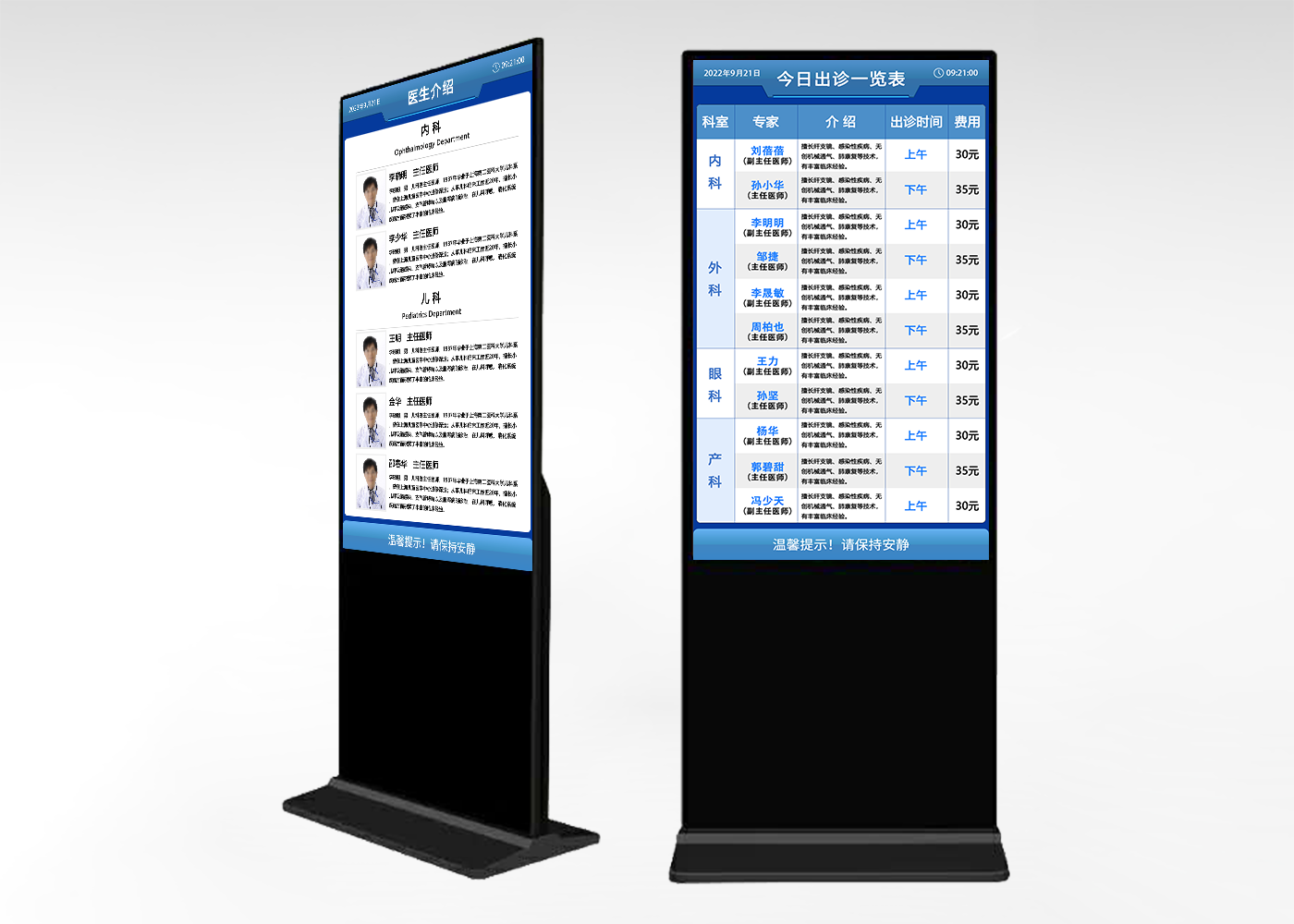
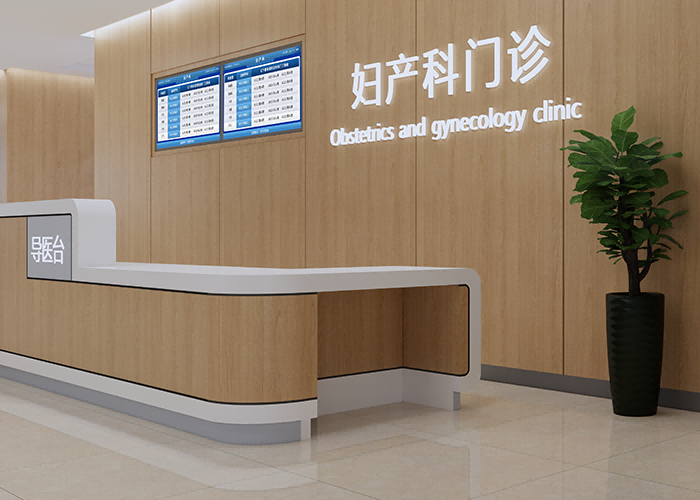
Through integration with the HIS, it displays doctor schedule information, which is typically presented on floor-standing multi-screen displays. The screens can show the hospital's daily doctor schedule, real-time registration status, or multimedia educational information. Specific display layouts can be customized during on-site system implementation based on client requirements.

Hospital Information Inquiry Terminal

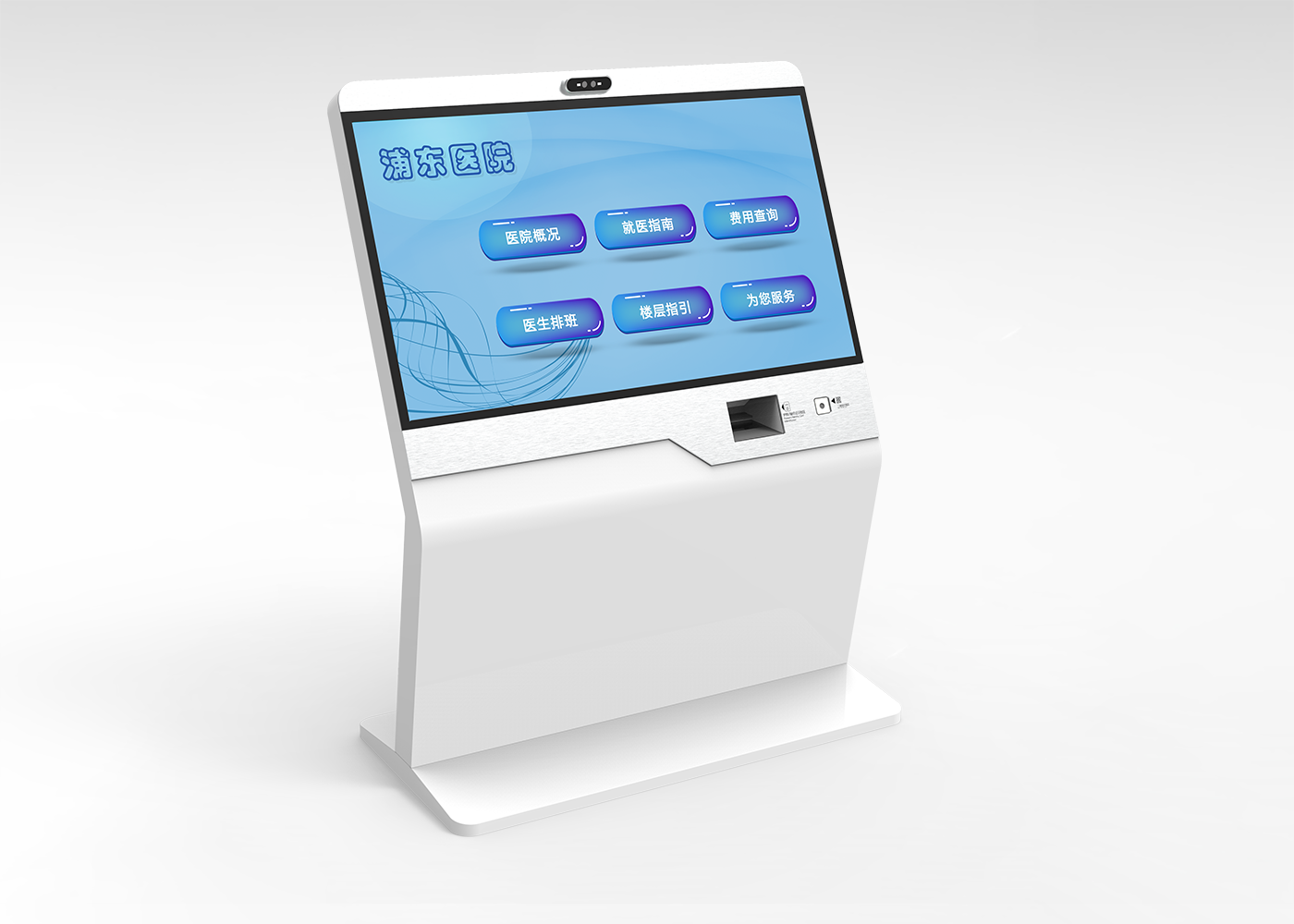
Comprising touch display hardware and doctor schedule display control software, it can display hospital introductions, department introductions, building department floor plans, daily doctor schedules, real-time registration status, and multimedia educational information. It also supports auto-carousel of promotional images when idle.

Elevator Lobby Information Display

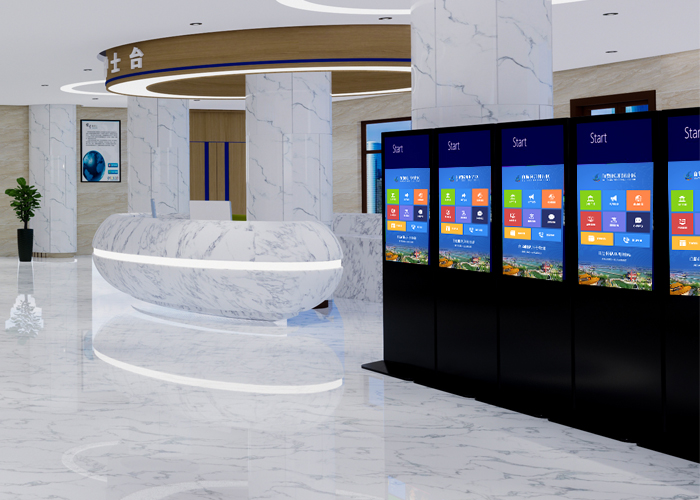
Typically installed in elevator lobbies, this device plays health education videos, images, and other content. It also provides floor wayfinding by displaying current floor plans or 3D maps.

Contact Us