


Core Functions of the Meeting Room Booking Management System
Pre-meeting - Room Booking
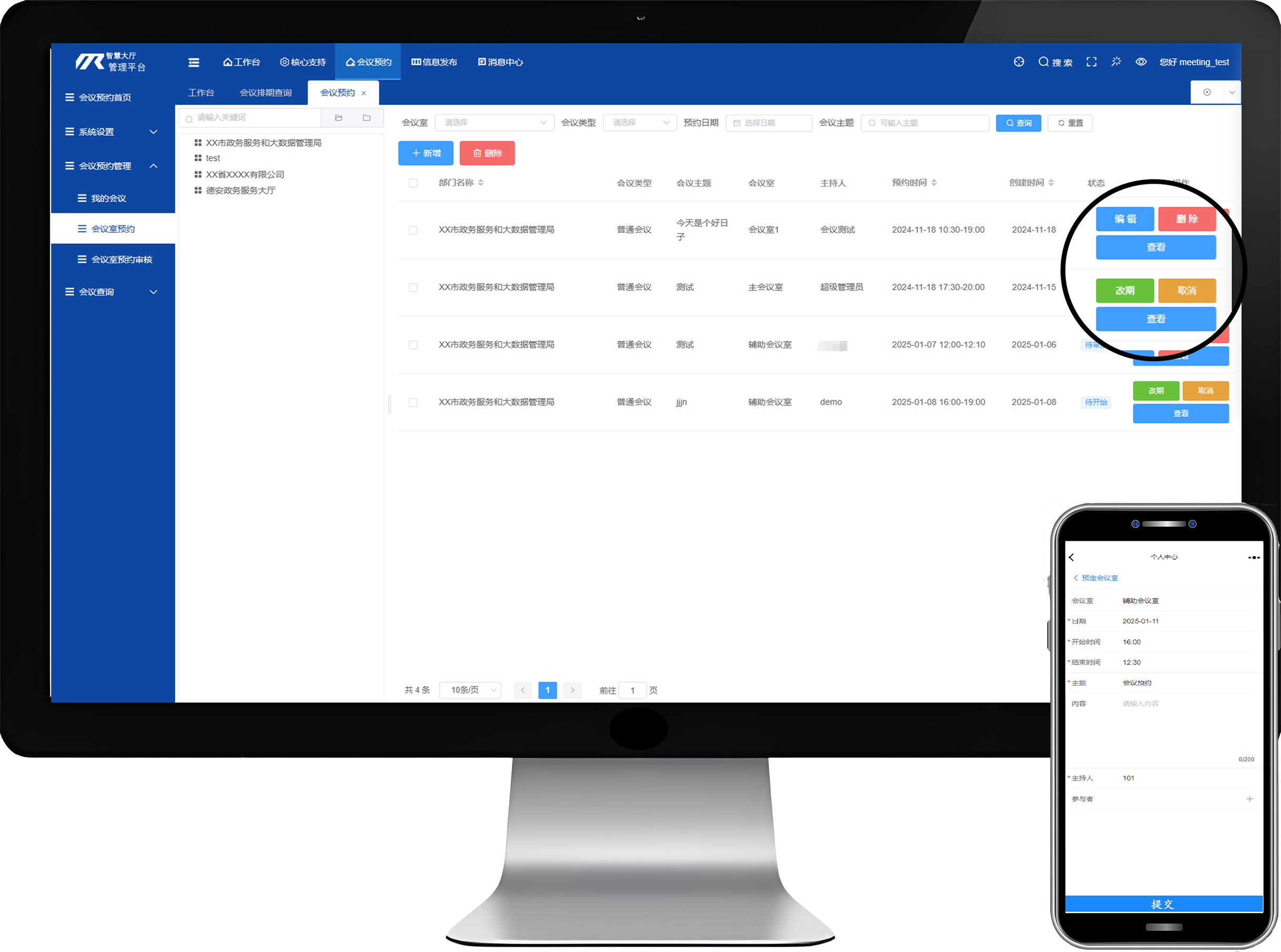
The meeting room booking system supports both one-off and recurring bookings, reserving meeting rooms in advance to optimize resource utilization. When creating a new meeting, the system detects scheduling conflicts and alerts users to avoid double-booking. It also supports quick entry of external attendee information and allows inviting participants by department or role. Meetings of the same series can be linked with one click, synchronizing historical information for efficient progress tracking.
- Conflict detection for double-booking prevention
- File synchronization and sharing
Pre-meeting - Meeting Check-in
The meeting room booking system includes a check-in module that supports QR code scanning, facial recognition, and other methods, streamlining the check-in process and improving efficiency. Attendance data is recorded in real time for statistical analysis. This module completes the system and ensures smooth meeting operations.
- Multiple check-in methods supported
- Facial recognition and QR code check-in
- Real-time attendee check-in status tracking

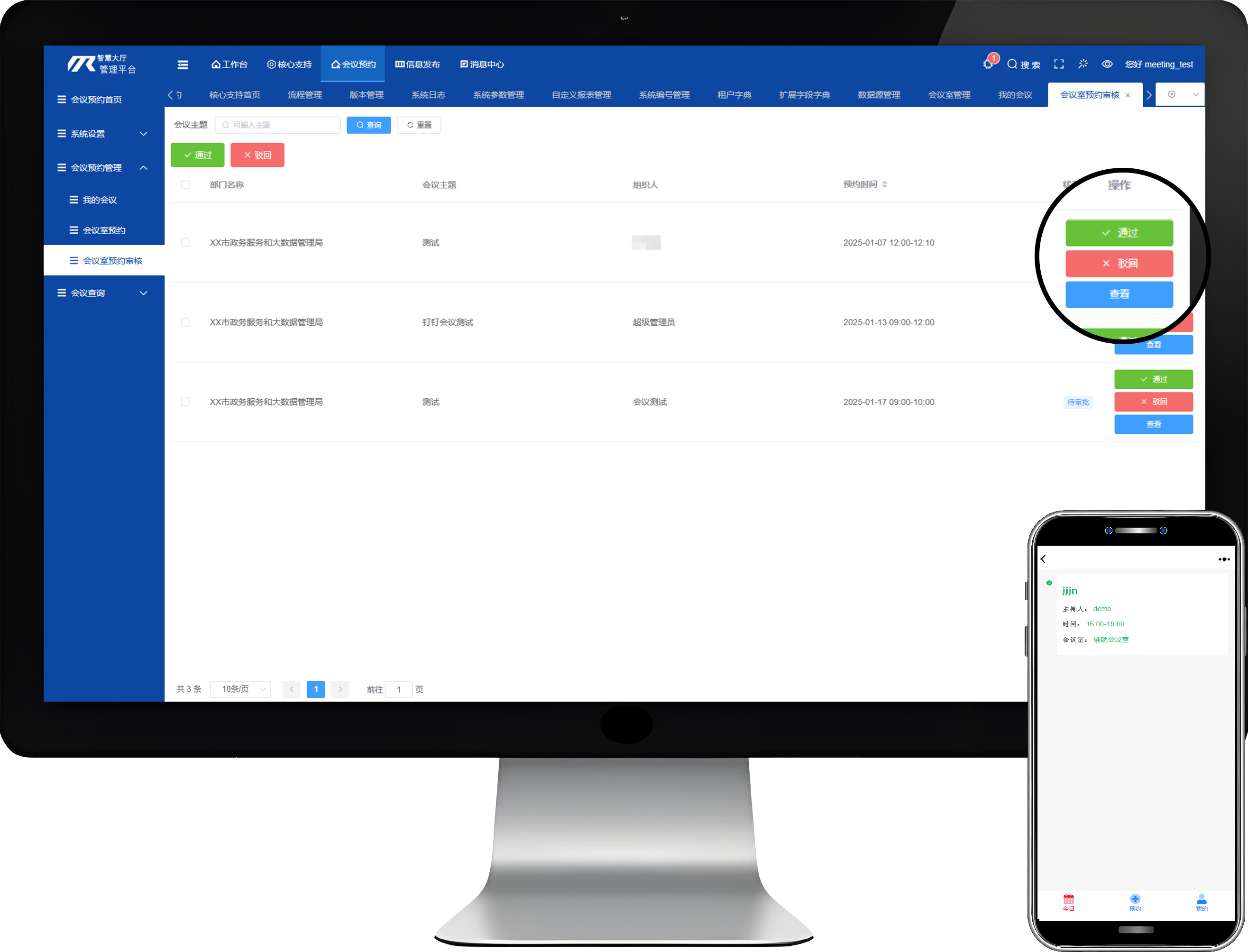
Pre-meeting - Meeting Preparation
The meeting room booking system includes a meeting preparation module that streamlines preparation workflows, covering agenda setting, document upload, and participant notification to ensure accurate information delivery. It simplifies meeting resource management and enhances organizational efficiency and professionalism.
- Meeting setup, document upload, and participant notification
- Integration with third-party devices and software
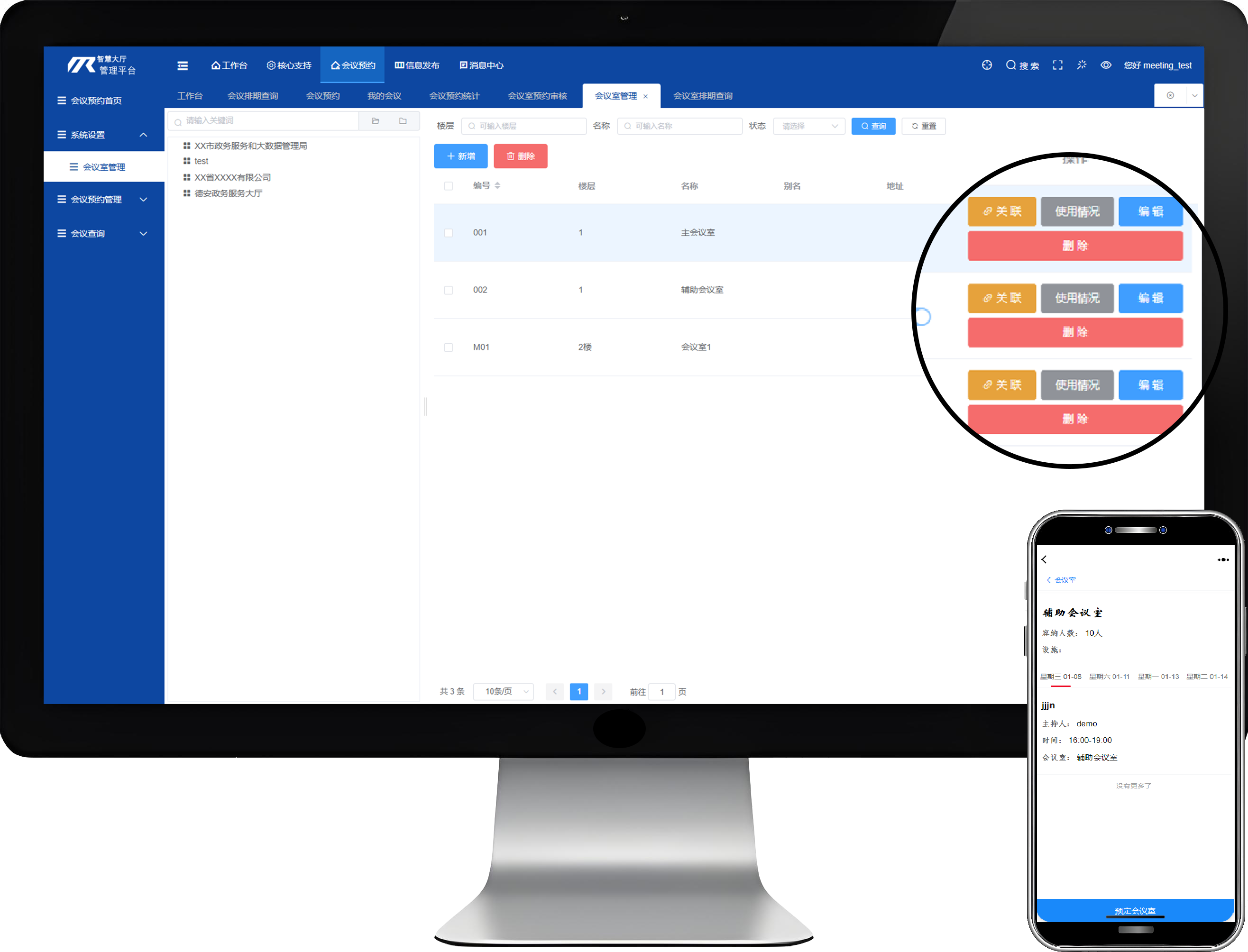
In-meeting - Meeting Settings
The meeting room booking system provides flexible meeting settings that allow customization of meeting parameters, including name, time, location, and attendees, along with advanced options such as notification methods and document permissions, enhancing both professionalism and flexibility.
- Customizable meeting parameters
- Meeting notifications and document sharing
- Meeting plan creation and adjustment
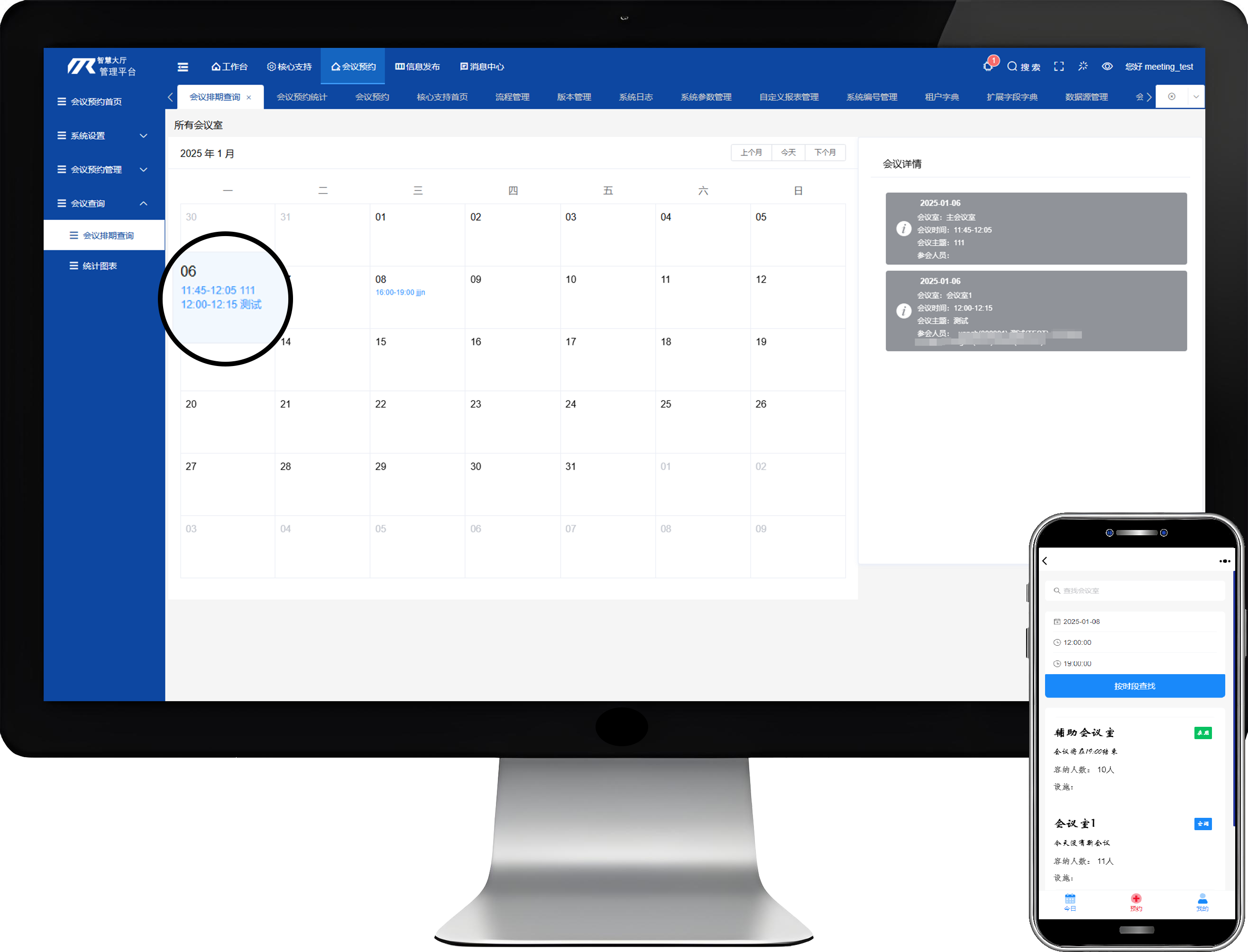
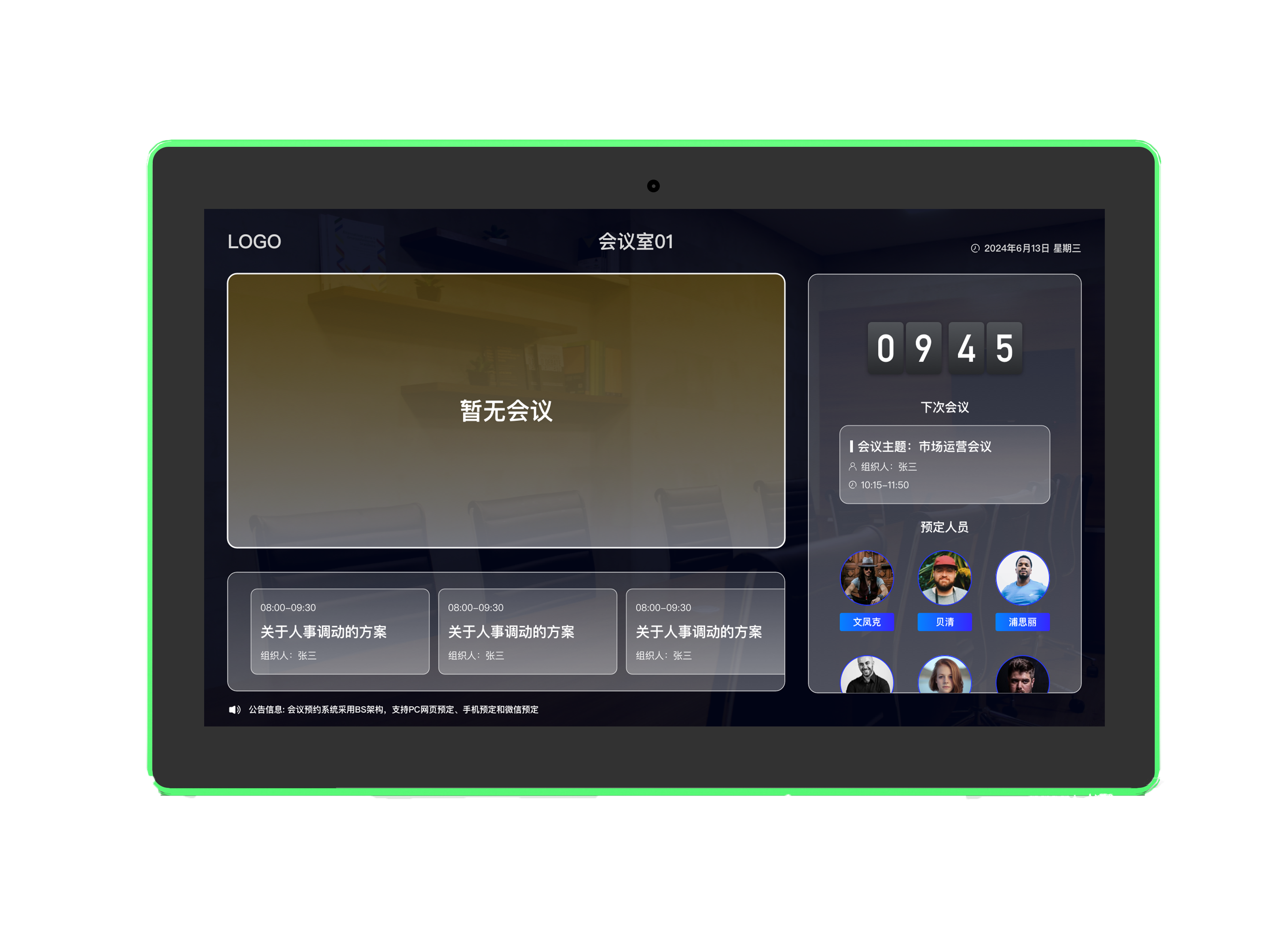
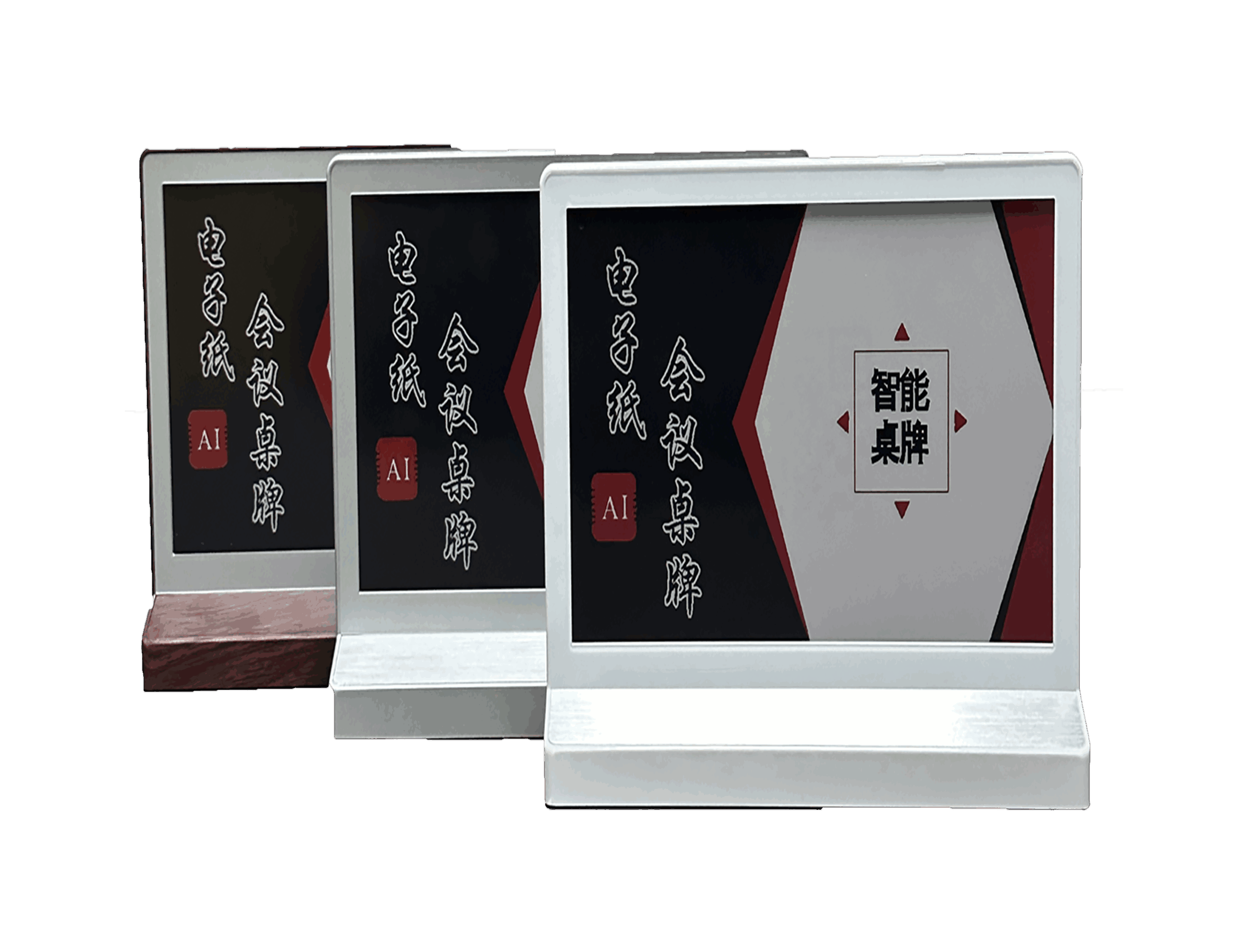
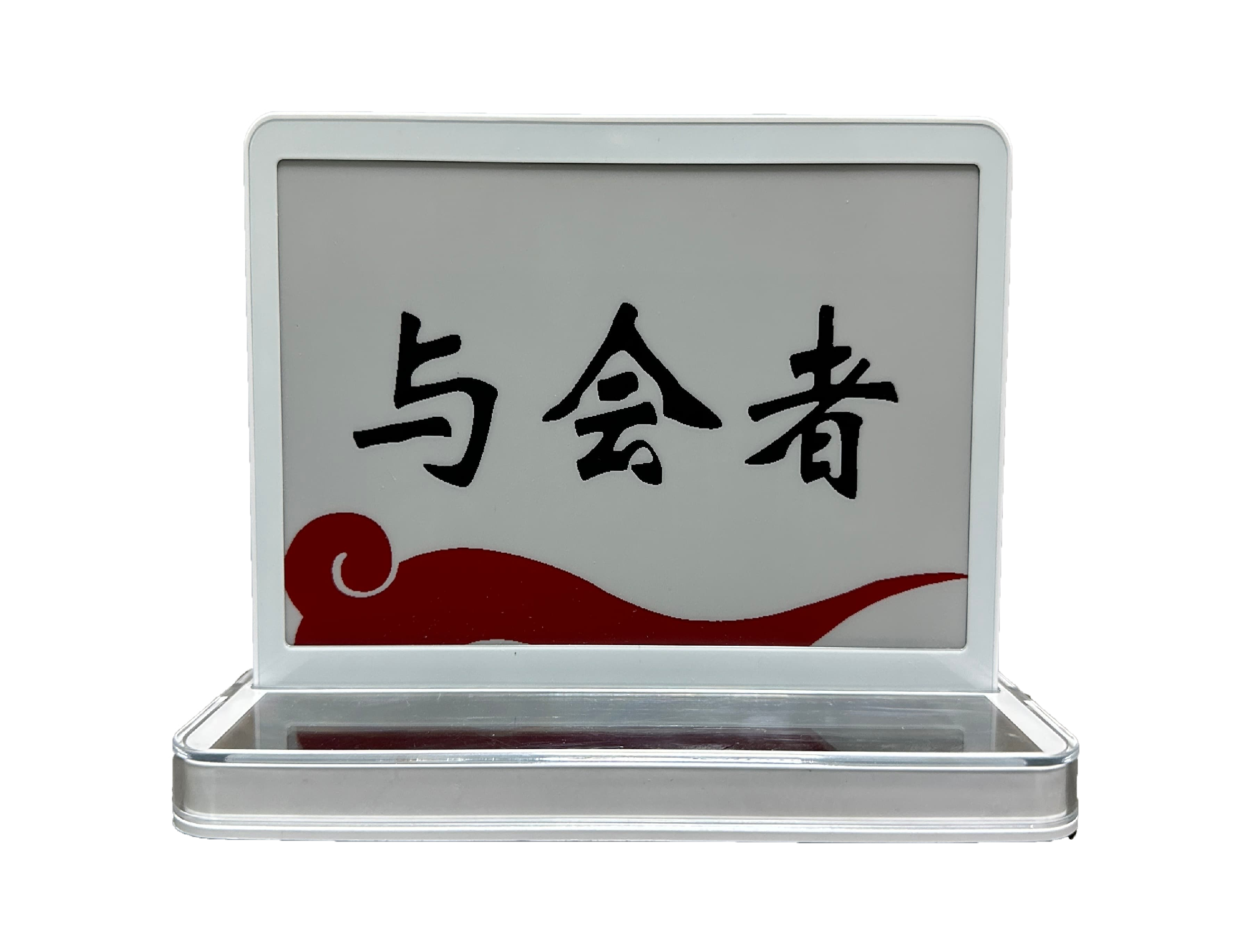
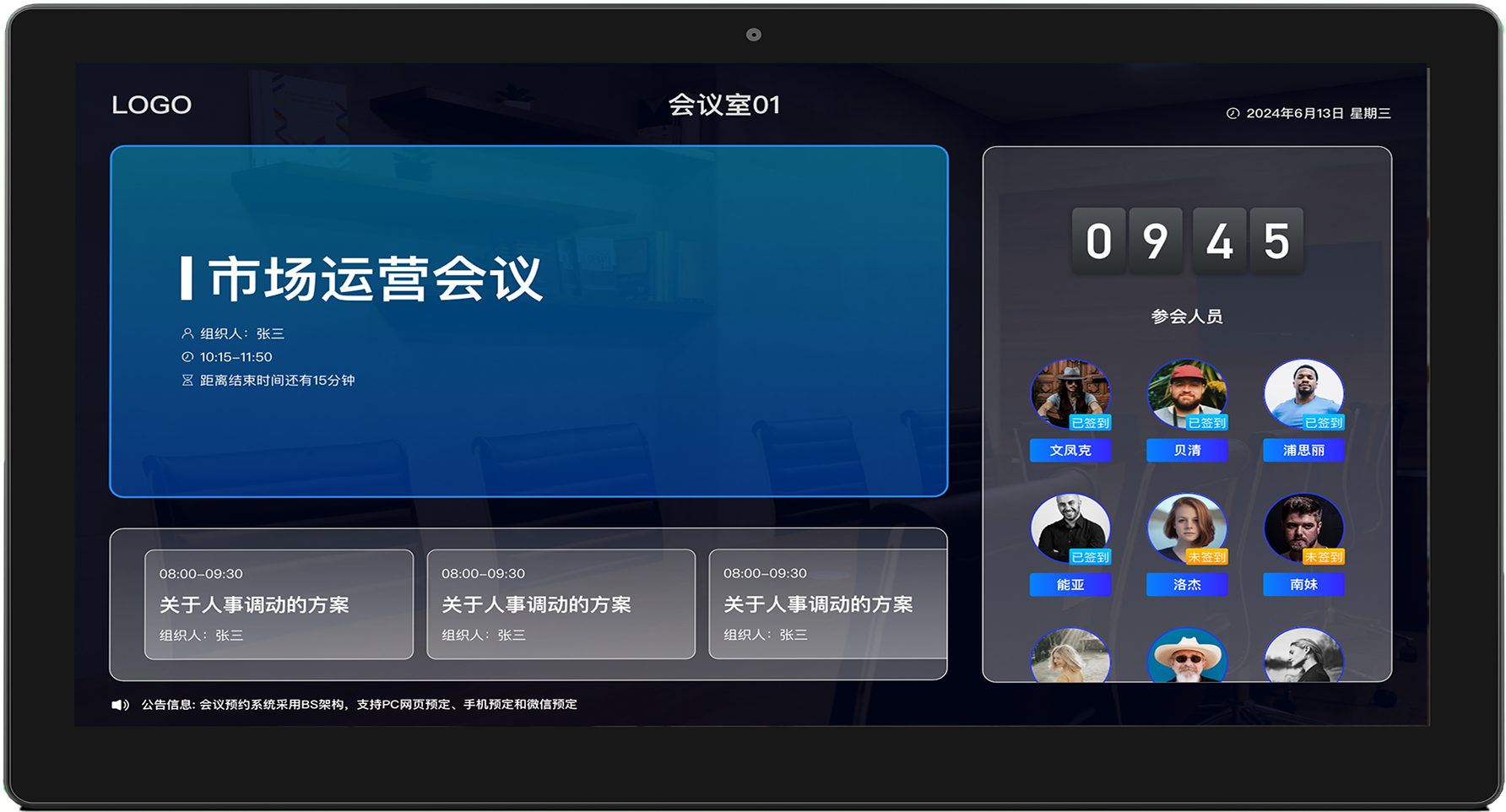
In-meeting - Meeting Display
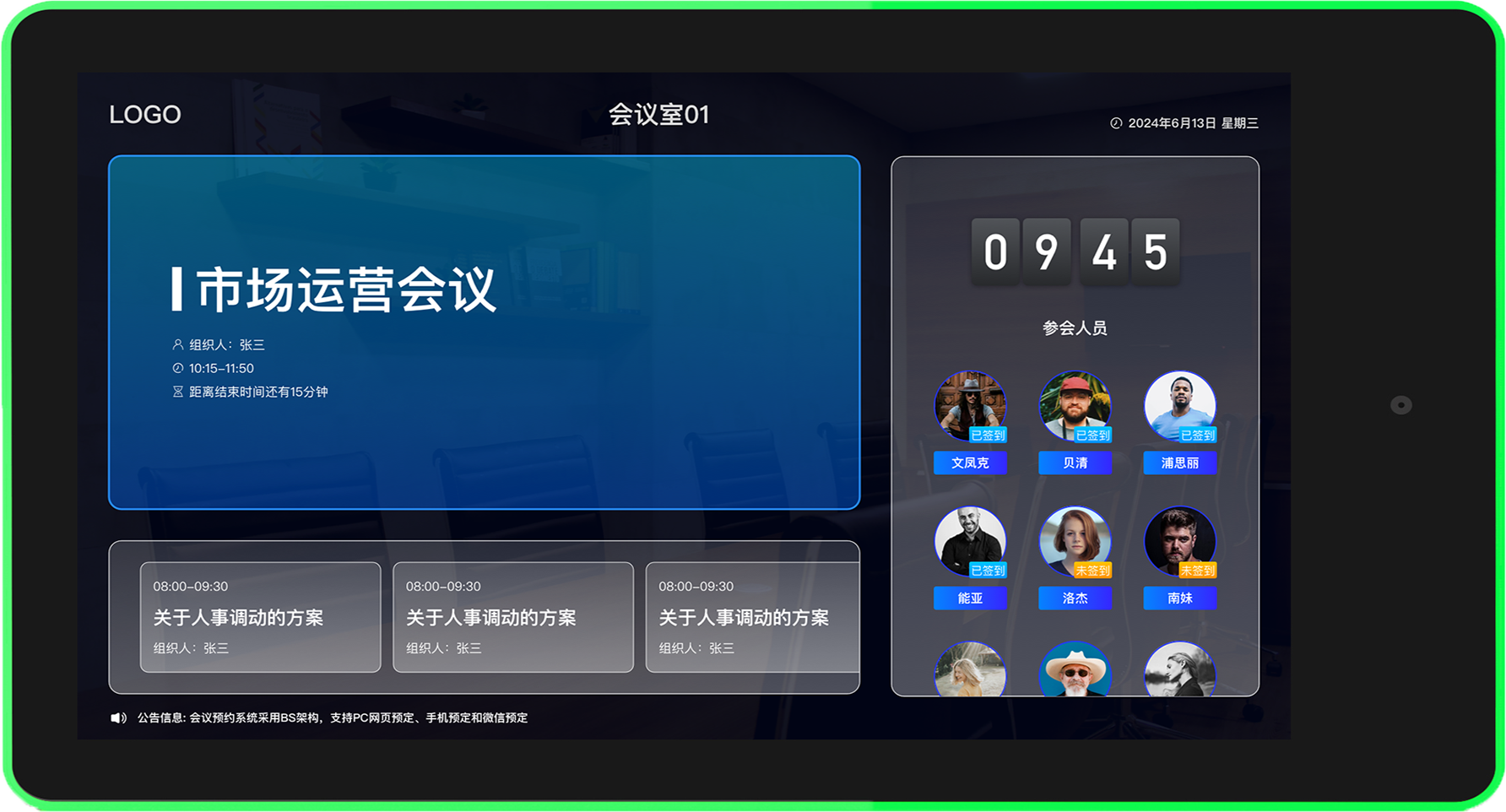
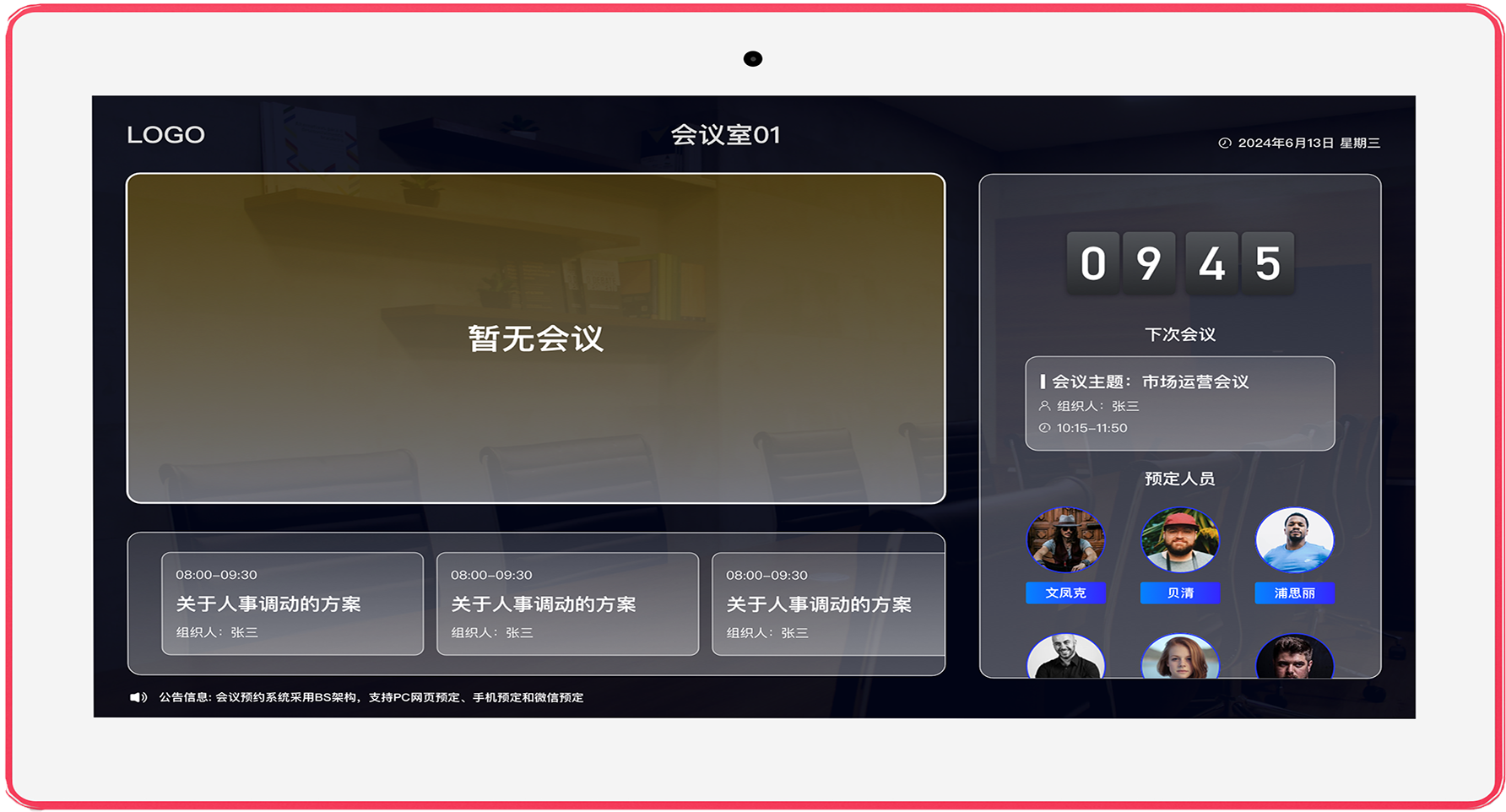
The meeting room booking system provides a meeting display module that offers an intuitive overview of meetings, including subject, time, and location. Timeline views and filters help participants quickly locate meetings, enhancing transparency and fostering interaction and collaboration.
- Feature-rich, customizable interface
- Displays meeting subject, time, location, and speaker
- Enhances interaction and collaboration during meetings
In-meeting - Smart Integration
The smart integration module of the meeting room booking system connects seamlessly with enterprise systems, automatically synchronizes meeting information to calendars, and pre-configures meeting room equipment. This simplifies workflows and improves resource utilization and operational efficiency.
- Third-party system integration with automatic synchronization
- Real-time calendar push to participants
- Device-to-device interoperability
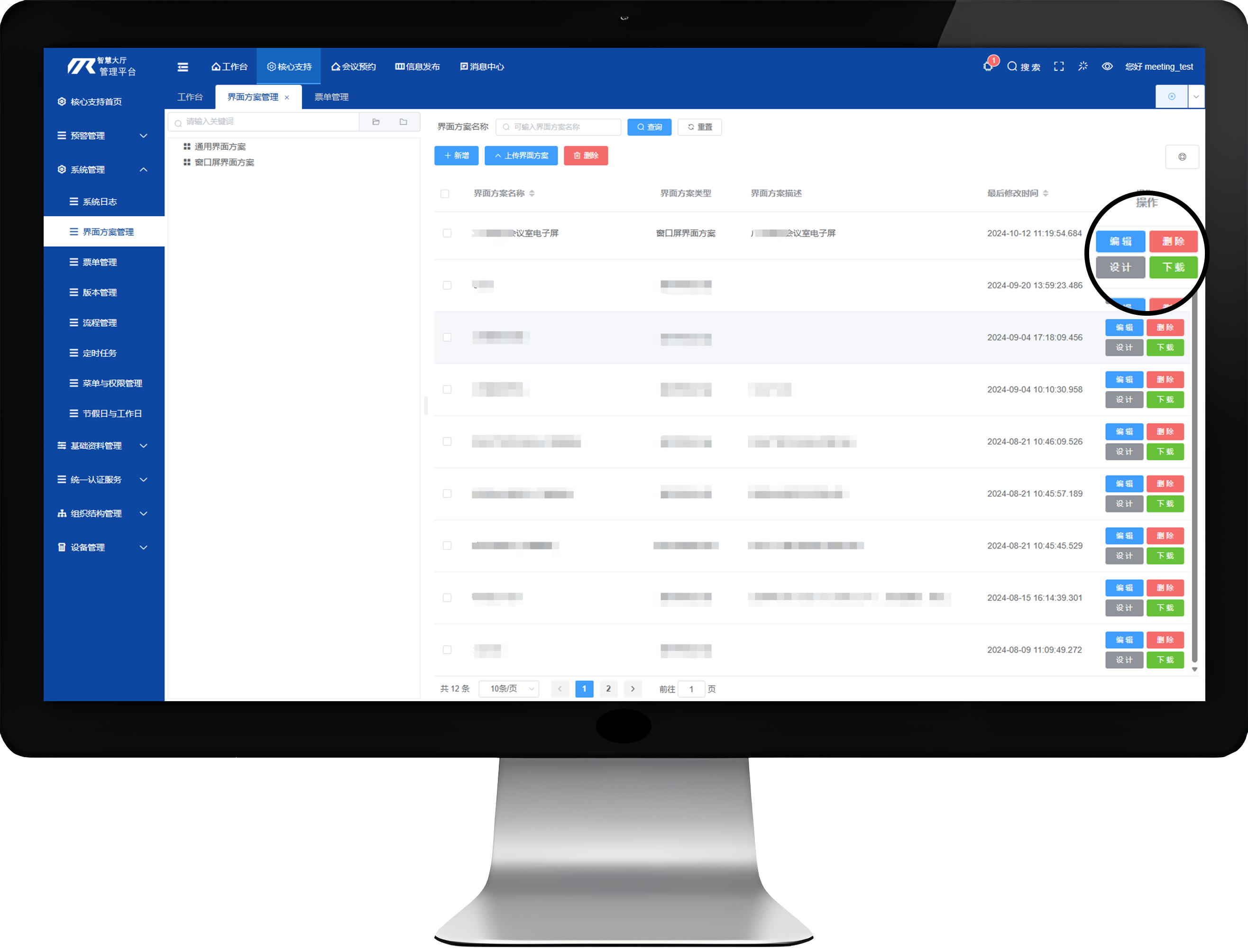
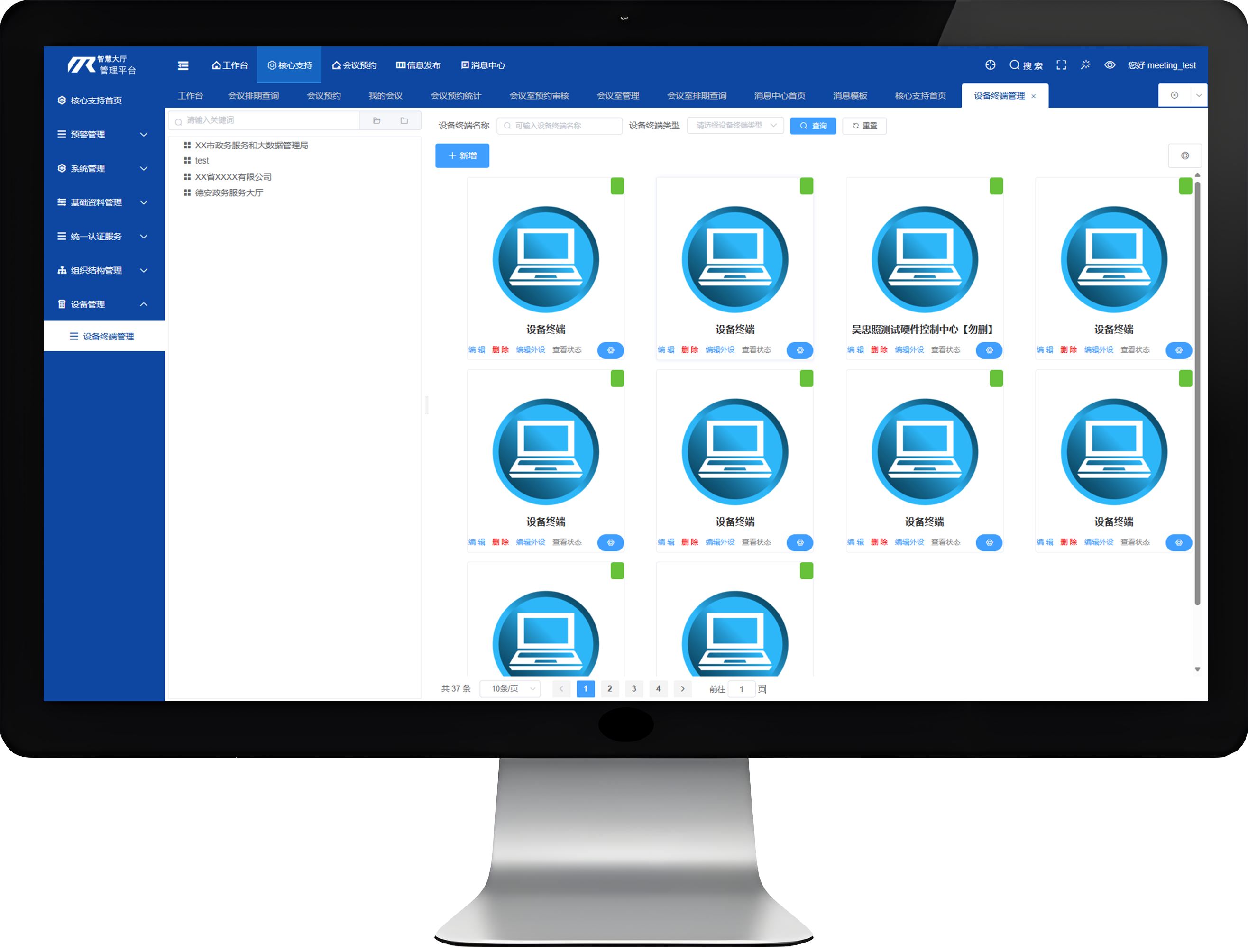
In-meeting - Automatic Room Release
The meeting room booking system includes an automatic room release function that releases resources for ended or canceled meetings, intelligently optimizing resource allocation, preventing idle capacity, and improving operational efficiency.
- Automatic room release
- Identifies and reclaims long-term unused or underutilized meeting resources
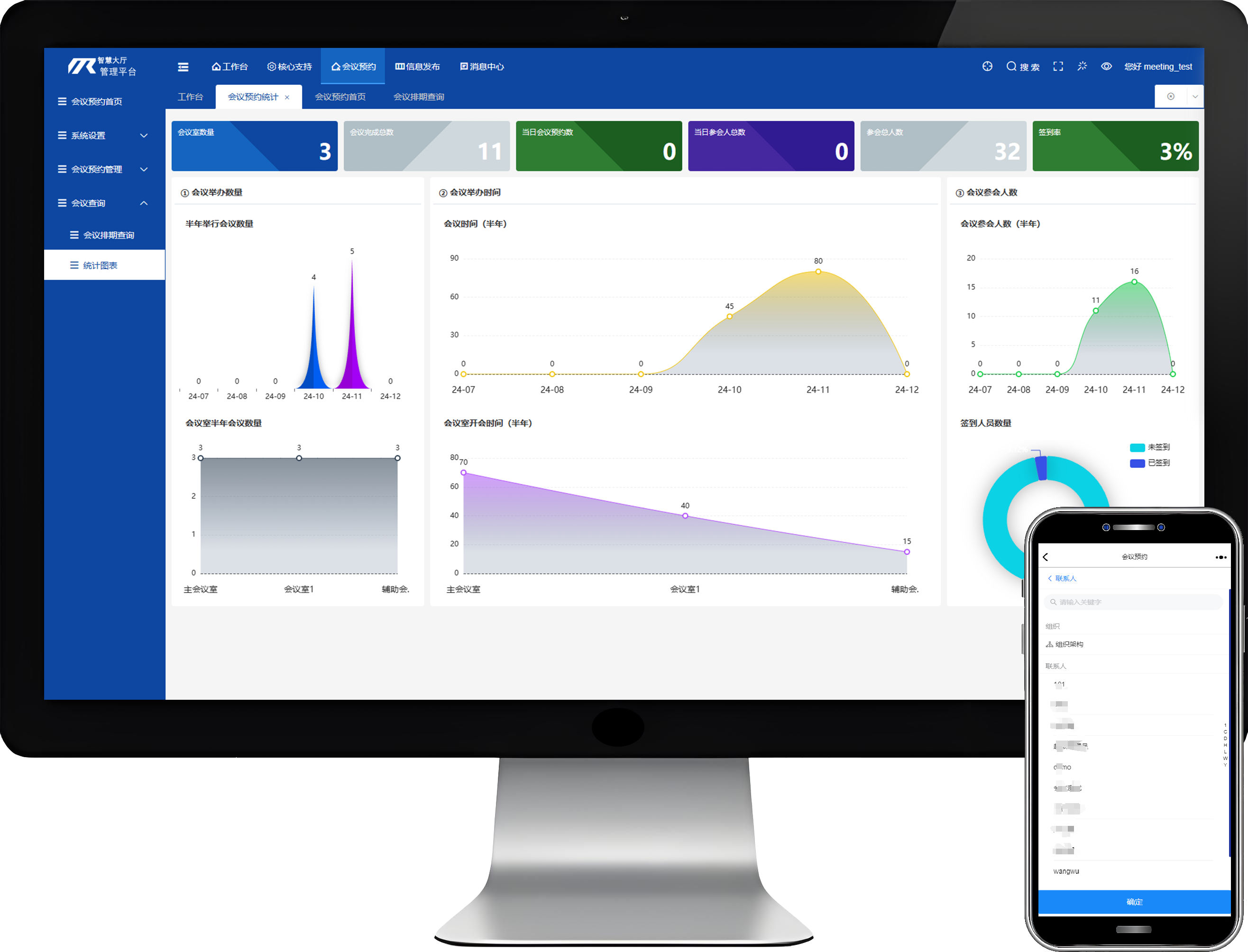
Post-meeting - Dashboard
The meeting room booking system includes a post-meeting dashboard that visualizes meeting summaries and analysis, covering participation, feedback, and goal achievement. It helps organizers evaluate outcomes, enhances transparency, and drives continuous improvement of meeting processes and quality.
- Visualization tools integrating meeting summaries and analysis
- Dashboards presented via charts, reports, and other formats
- Data export and sharing